Aimbot
Warzone Aimbot Settings That Feel Natural in 2026
A harsh warzone aimbot gets you reported and trains bad peek habits. Most players want soft aim that helps tracking without snapping like a highlight reel bot. Here is how to tune FOV, smoothness, and weapon profiles for Verdansk, Urzikstan, and Resurgence.
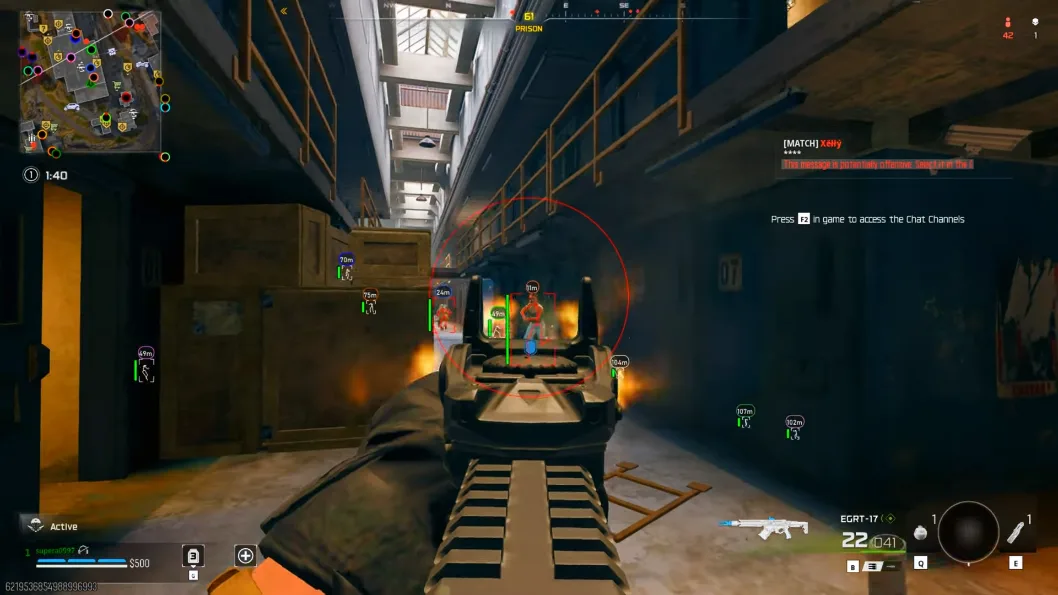
Start softer than you think you need
Begin with a smaller FOV and higher smoothness so warzone aimbot assistance helps follow-through instead of instant head snaps. Play five matches in public lobbies before widening FOV. If squadmates say your crosshair teleports, you went too aggressive.
Full documentation lives on Warzone aimbot and soft aim. Match in-game sensitivity first, then tune assist on top.
Per-weapon profiles beat one global slider
SMGs, ARs, and snipers want different warzone aimbot settings. Save separate profiles so close-quarters Resurgence fights do not share the same magnet as long-range Urzikstan beams. Bone priority should favor upper chest transitions you can actually hit under recoil.
Hotkeys matter when you loot, drive, or hold a suspicious window. Disable assist during those moments so corrections never look out of place.
Pair aim with ESP and check status after patches
Soft aim finishes fights that ESP and radar help you pick. Fix noisy overlays before blaming aim. After Ricochet updates, confirm Updates before retuning an old build.
Compare plans on Pricing if you need aimbot bundled with wallhack and radar in one license.